2019 Honda Odyssey Owner’s Manual — Apple CarPlay™
Audio and Connectivity
Models with Display Audio
Connect an Apple CarPlay™-compatible iPhone® to the system. You can use the touchscreen to make a phone call, listen to music, and more. Visit the Apple CarPlay™ website for more information. Park in a safe place before connecting your iPhone® and launching any compatible apps.
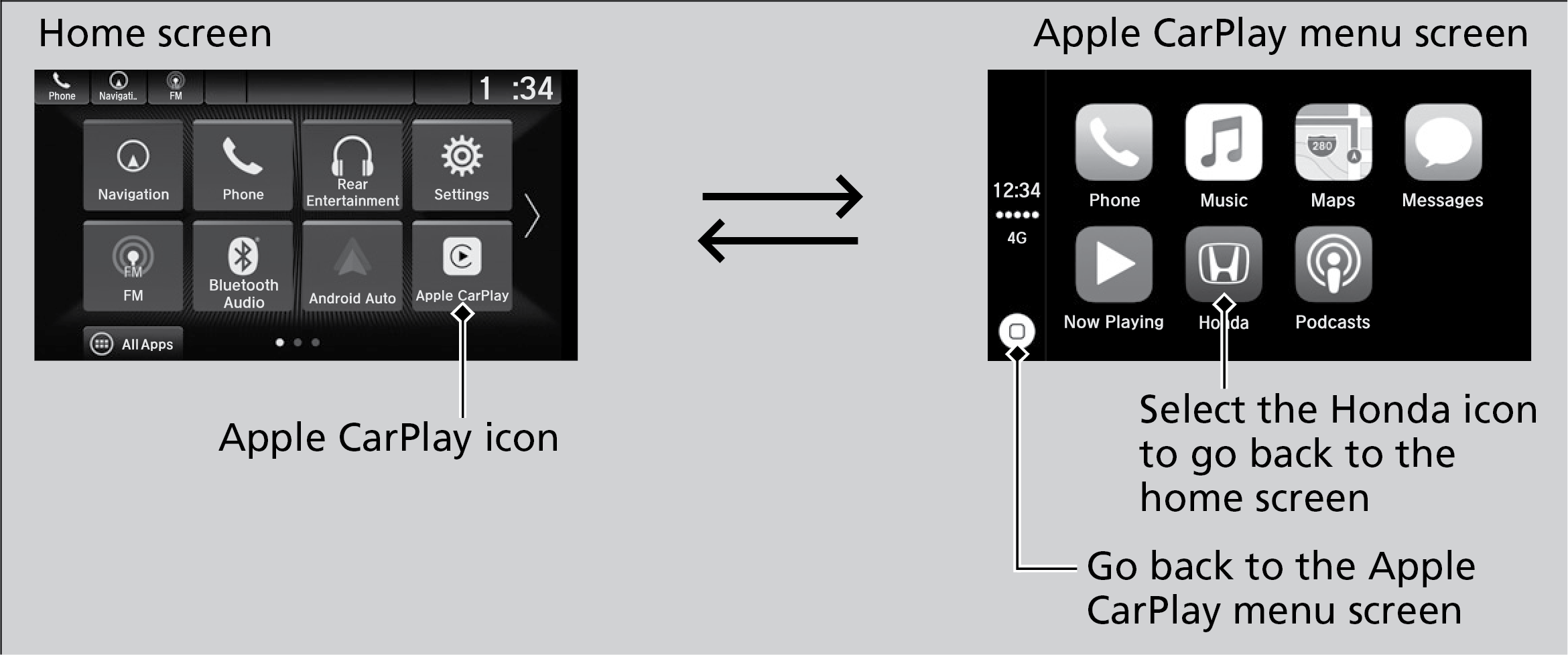
- Connect the phone to the front (right side*1) USB port. Compatible Android phones will prompt you to download any required apps.
- Select Enable or Disable.
- Follow any prompts shown on your phone.
- The phone will be automatically paired. A tutorial will appear on the vehicle screen.
- Select a menu option.
- Maps: View a map and operate navigation. You can only use Apple Maps or the pre-installed navigation system to set a destination with routing guidance.
- Messages: View and reply to text messages, or have messages read to you aloud by the system.
Once connected, press and hold the Talk button on the steering wheel (see Steering Wheel Controls) to operate the system using voice commands with Siri.
Parent topic: Audio and Connectivity
Stored owner’s manualImported HTML from the shared Autotk manuals tables. Not an official Toyota site.