2018 Honda Odyssey Owner’s Manual — USB Flash Drive
AUDIO AND CONNECTIVITY
Play and operate a USB flash drive through the vehicle's audio system. Connect your device to the USB port (1.0A) (see "Basic Audio Operation").
Models with color audio system
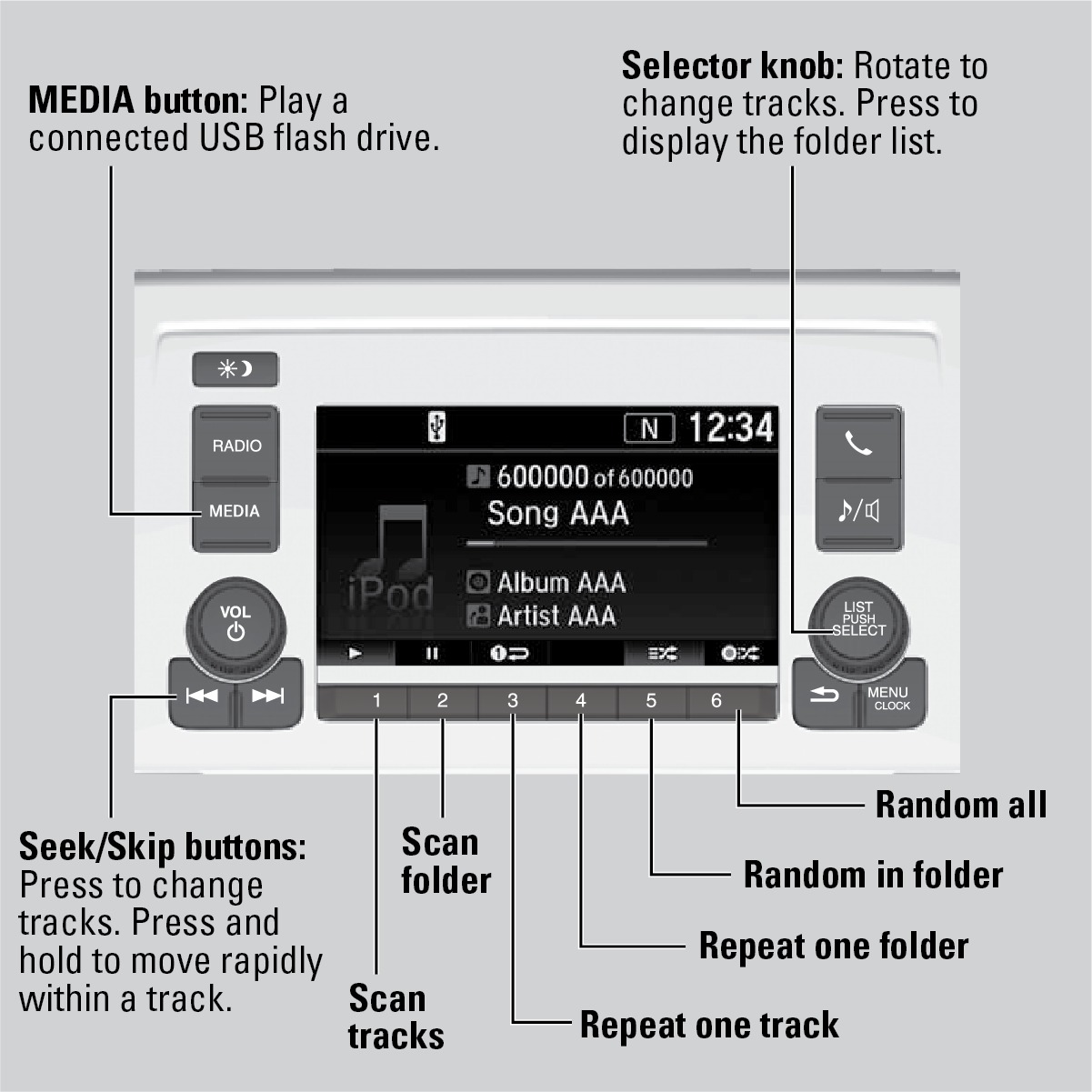
Searching for Music
Use the selector knob to search for tracks stored on the flash drive.
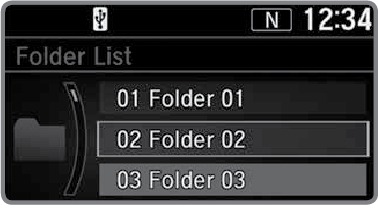
- From the audio screen, press the selector knob.
- Select a folder.
- Select the track you want to play.
Models with Display Audio
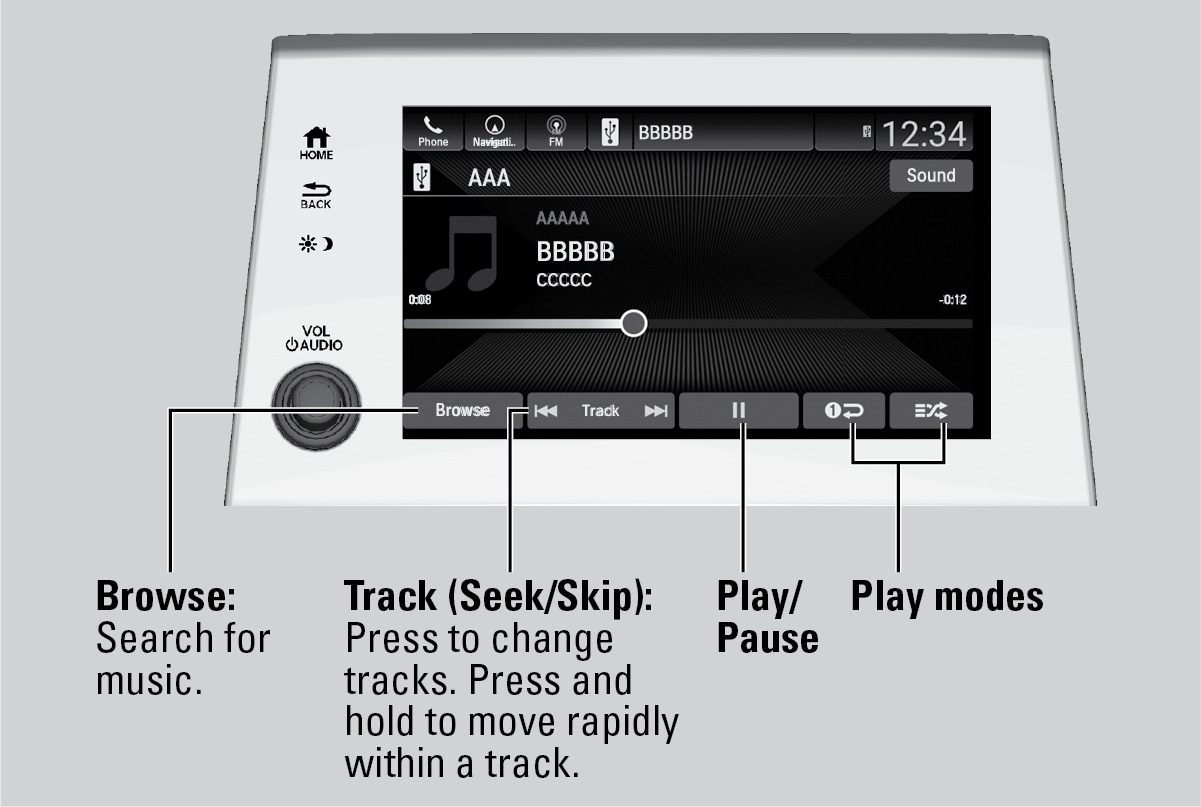
Searching for Music
Use the touchscreen to search for tracks stored on the flash drive.
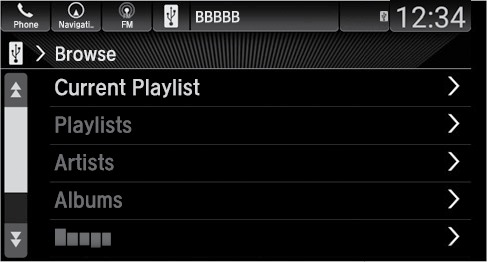
- Select Browse.
- Select from the items on that menu.
Related topics:
- Basic Audio Operation
- Color Audio Operation*
- Managing Apps
- iPod
- Basic Navigation Operation
- System Updates
Stored owner’s manualImported HTML from the shared Autotk manuals tables. Not an official Toyota site.